
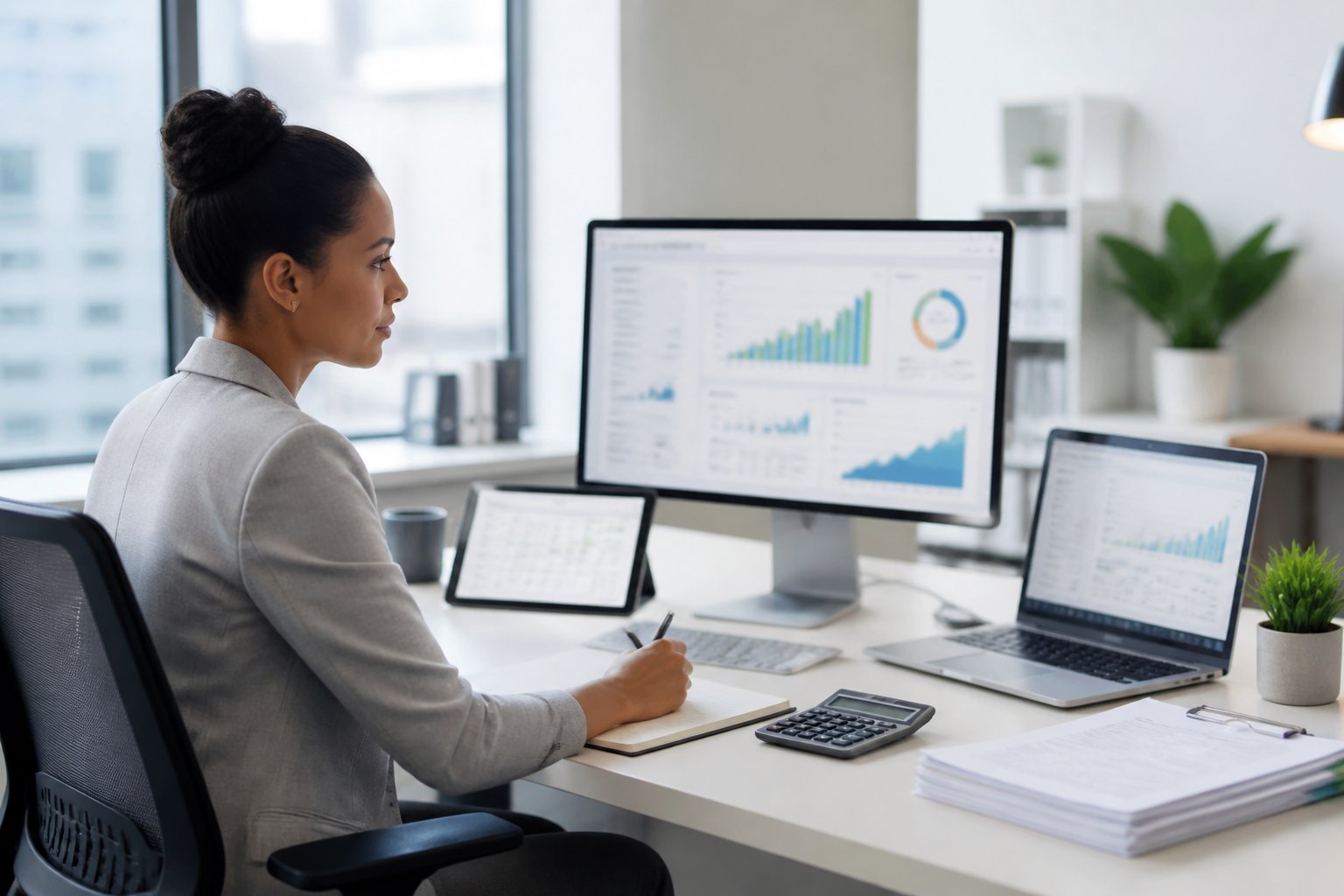
A decade ago, closing the books meant stacks of paper receipts, manual ledger entries, and a bookkeeper reconciling bank statements line by line. That reality has largely disappeared. Today’s bookkeeper works inside connected software that pulls transactions automatically, flags errors before they become problems, and produces reports in minutes rather than days.
This shift represents a genuine transformation in how financial management gets done. It is not just a change in tools but a change in what bookkeepers spend their time doing. Digital bookkeeping has moved the profession away from data entry and toward analysis, oversight, and financial decision-making that helps business owners.
Modern bookkeeping still rests on the same principles that have guided the field for generations: accuracy, consistency, and timely records. What has changed is the mechanism. If you want a closer look at how a bookkeeper can put these tools to work for your business, reach out and start a conversation about your books today.
How Accounting Software Changes the Daily Bookkeeping Workflow
Accounting software reshapes the daily bookkeeping workflow by removing repetitive manual steps and replacing them with automated capture, categorization, and review. Workflows that once took a full day of manual data entry now run largely in the background.
This frees bookkeepers to focus on accuracy checks and financial analysis instead of retyping numbers from paper documents.
Capturing Financial Transactions From Invoices, Receipts, and Bank Feeds
Bank feeds pull financial transactions directly from connected accounts and update financial records daily instead of waiting for a monthly statement. OCR technology captures invoices and receipts by reading scanned or photographed documents and extracting the relevant data automatically.
Tools like DocuClipper convert PDF bank statements into clean, structured data. This eliminates a task that used to require retyping numbers from paper statements or scanned files. For bookkeepers managing several clients, a reliable bank statement converter cuts hours off the monthly close.
Posting and Categorizing Activity Without Manual Data Entry
Automated data entry posts transactions to the correct accounts using rules that bookkeeping software learns over time. Transaction categorization engines match new activity against historical patterns, so a recurring vendor charge or subscription gets coded correctly without a bookkeeper touching it.
This reduces reliance on Excel spreadsheets for tracking expenses, though many firms still use Excel for one-off analysis or client-specific reporting that falls outside standard software templates.
Reviewing Exceptions Before Closing the Books
Bookkeepers review exceptions, or transactions that software cannot confidently categorize, rather than checking every entry line by line. An approval workflow routes unusual transactions, large expenses, or unmatched invoices to a human for sign-off before the books close.
This exception-based review model supports expense tracking and expense management while keeping bank reconciliation accurate. It also creates a checkpoint for catching errors before they reach a financial statement. For a broader look at the systems behind this shift, see tools of the trade software systems and workflows for modern bookkeeping.
Building a Cloud-Based Bookkeeping Stack
A cloud-based bookkeeping stack connects your core accounting platform with the payroll, payments, and inventory tools your business uses. This lets financial data move between systems without manual re-entry.
Cloud computing gives bookkeepers real-time access to the same live file a client sees. It supports faster collaboration and fewer version-control headaches than desktop software allowed.
What to Look for in Cloud-Based Accounting Software
Cloud-based accounting software should offer secure bank connections, role-based access, and integrations with the other tools in your stack. Look for platforms that support automatic backups and clear audit trails, since these features protect against data loss and disputes over who changed what.
Scalability matters too. A cloud-based software platform that works for a five-person business should grow with that business without forcing a painful migration later. Choosing the right platform up front saves the trouble of switching systems mid-year; choosing the right cloud accounting technology stack walks through the selection criteria in more detail.
How QuickBooks Online, Xero, FreshBooks, and Sage Fit Different Needs
Each major cloud platform serves a slightly different segment of the market.
| Platform | Best Fit | Notable Strength |
|---|---|---|
| QuickBooks Online | Small to mid-size U.S. businesses | Wide accountant adoption, strong app marketplace |
| Xero | Businesses wanting real-time collaboration | Clean interface, strong bank feed automation |
| FreshBooks | Freelancers and service-based businesses | Simple invoicing and time tracking |
| Sage | Growing businesses with inventory needs | Solid inventory management and reporting depth |
Many bookkeepers become proficient in more than one platform because clients arrive already using different systems.
Connecting Payroll, Payments, and Inventory Management Systems
Payroll integrations sync wage and tax data directly into the general ledger, removing a common source of reconciliation errors. Payment processors connect to invoicing modules, so receipts post automatically instead of waiting for manual matching.
Inventory management integrations track stock levels alongside cost of goods sold, giving a bookkeeper a real-time view of margins. Connecting these systems well helps distinguish a functional bookkeeping setup from a genuinely efficient one, a topic covered further in the top benefits of switching to cloud based accounting.
Where Automation and AI Add Value—and Where Review Is Essential
Automation and artificial intelligence handle the repetitive volume of bookkeeping work, while human review protects the judgment calls that software cannot make on its own. AI in accounting now codes routine bank transactions with high accuracy and matches invoices automatically, but a trained bookkeeper still has the final say on unusual items.
Automating Repetitive Processing and Document Extraction
Automation removes the burden of retyping data from receipts, invoices, and statements. Document extraction tools read scanned files and populate accounting software fields directly. This cuts the time spent on repetitive processing tasks that used to fill hours of a bookkeeper’s week.
Using AI in Accounting for Smarter Categorization and Anomaly Detection
Machine learning models improve their categorization accuracy as they process more transactions from a given business. AI in accounting also flags anomalies, such as duplicate invoices, unusual vendor charges, and transactions that break normal spending patterns.
This lets bookkeepers investigate before an error reaches a financial report. Big data and advanced analytics also support predictive analytics, giving bookkeepers early signals about cash flow trends before they appear in a monthly close. The role automation plays here is explored further in the future of bookkeeping ai powered automation in accounting firms.
Keeping Human Oversight Over Accounting Judgment
Software cannot apply accounting principles to a judgment call as an experienced bookkeeper can. Decisions about how to classify a gray-area expense, when to accrue a liability, or how a new accounting standard applies to a specific transaction still require someone who understands the business behind the numbers.
Blockchain technology is emerging as another layer of verification in some bookkeeping practices, though most firms still rely on human sign-off as the final control point.
Turning Current Books Into Useful Financial Insight
Accurate, up-to-date books become useful when a bookkeeper turns them into financial reports that support a real decision. Financial statements, balance sheets, and cash flow summaries only carry value when someone reads them and acts on what they show.
Producing Reliable Financial Statements and Financial Reports
Reliable financial statements depend on clean, consistently categorized data flowing in from bank feeds and invoices. Once that foundation is solid, generating a balance sheet or income statement takes minutes instead of the days it required under manual bookkeeping. For a deeper walkthrough of how raw numbers become a readable report, see financial statements demystified how bookkeepers turn data into insight.
Using Real-Time Financial Insights for Cash Flow Management
Real-time financial insights let a business owner see the current cash position rather than wait for a month-end report. This supports cash flow management directly: a bookkeeper can flag a looming shortfall while there’s still time to act rather than explain it after the fact.
Dashboards built into cloud accounting software surface key metrics automatically, so financial analysis happens continuously instead of in periodic bursts.
Supporting Financial Planning, Tax Preparation, and Tax Filings
Clean, current books make financial planning and tax preparation far less stressful. Bookkeepers who maintain accurate records year-round can hand off organized data for tax filings without scrambling to reconstruct a year’s transactions each spring.
Staying current on tax laws remains a bookkeeper’s responsibility even as software handles more of the calculation work.
Protecting Financial Data in a Digital Environment
Protecting financial data in a digital bookkeeping environment starts with strong access controls and layered security practices, not just software with a good reputation. Cybersecurity has become as central to a bookkeeper’s job as accuracy because a breach can undo months of careful financial management in a single incident.
Using Encryption, Multi-Factor Authentication, and Access Controls
Encryption protects financial data both in transit and at rest, making intercepted data unreadable without the proper key. Multi-factor authentication adds a second verification step beyond a password, and access controls limit each team member to the records their role requires.
Maintaining Audit Trails, Backups, and Security Reviews
Audit trails log every change made to a financial record, which matters when reconstructing what happened after an error or dispute. Regular backups protect against data loss, and scheduled security audits catch vulnerabilities before they turn into breaches. More on building these safeguards appears in how to secure your financial data in the cloud.
Meeting Financial Regulations When Working Remotely
Remote bookkeeping services and virtual bookkeeping arrangements still have to meet the same financial regulations as an in-office setup. That means using secure connections, documenting access policies, and encrypting file storage regardless of where the bookkeeper works. Anyone weighing a remote arrangement can find more detail in embracing future remote bookkeeping services revolutionizing business finance.
Technology Lets Bookkeepers Deliver More Strategic Value
Software has changed what a bookkeeper spends time on, shifting hours away from data entry and toward financial decisions that shape business outcomes. Automated bookkeeping handles the repetitive volume: capturing transactions, reconciling accounts, and flagging exceptions.
That leaves room for a bookkeeper to interpret what the numbers say and advise on what to do next. Real-time financial insights mean a bookkeeper can flag a cash flow problem while there’s still time to fix it or spot a spending trend worth discussing before it becomes a bigger issue.
Modern bookkeeping combines technical accuracy with practical judgment, supporting financial management that goes well beyond keeping the books balanced.
Frequently Asked Questions
How do bookkeepers use accounting software every day?
Bookkeepers use accounting software to capture bank feeds, categorize transactions, reconcile accounts, and generate reports without manual data entry. Daily tasks now center on reviewing exceptions and confirming automated categorizations rather than typing every transaction by hand.
Will AI replace bookkeepers?
AI is not replacing bookkeepers, though it is taking over specific routine tasks like transaction coding and invoice matching. Judgment calls involving accounting principles, unusual transactions, and client-specific decisions still require a trained bookkeeper.
What accounting software do most bookkeepers use?
QuickBooks Online, Xero, FreshBooks, and Sage are among the most widely used platforms among U.S. bookkeepers. Many bookkeepers work across more than one platform since different clients arrive with different existing systems.
How does cloud-based bookkeeping improve accuracy?
Cloud-based bookkeeping improves accuracy by pulling transactions directly from bank feeds and applying consistent categorization rules, reducing errors from manual entry. Real-time updates also mean discrepancies get caught and corrected sooner rather than at month’s end.
Is it safe to store financial records in cloud accounting software?
Cloud accounting software is safe when it uses encryption, multi-factor authentication, and role-based access controls. Reputable platforms also maintain audit trails and regular backups, which add further protection against data loss or unauthorized access.
Can a remote bookkeeper access and manage my books securely?
A remote bookkeeper can manage your books securely through encrypted cloud connections and controlled access permissions. Virtual bookkeeping arrangements must still meet the same financial regulations and security standards as in-office bookkeeping.
Leave a Reply